Find automation opportunities
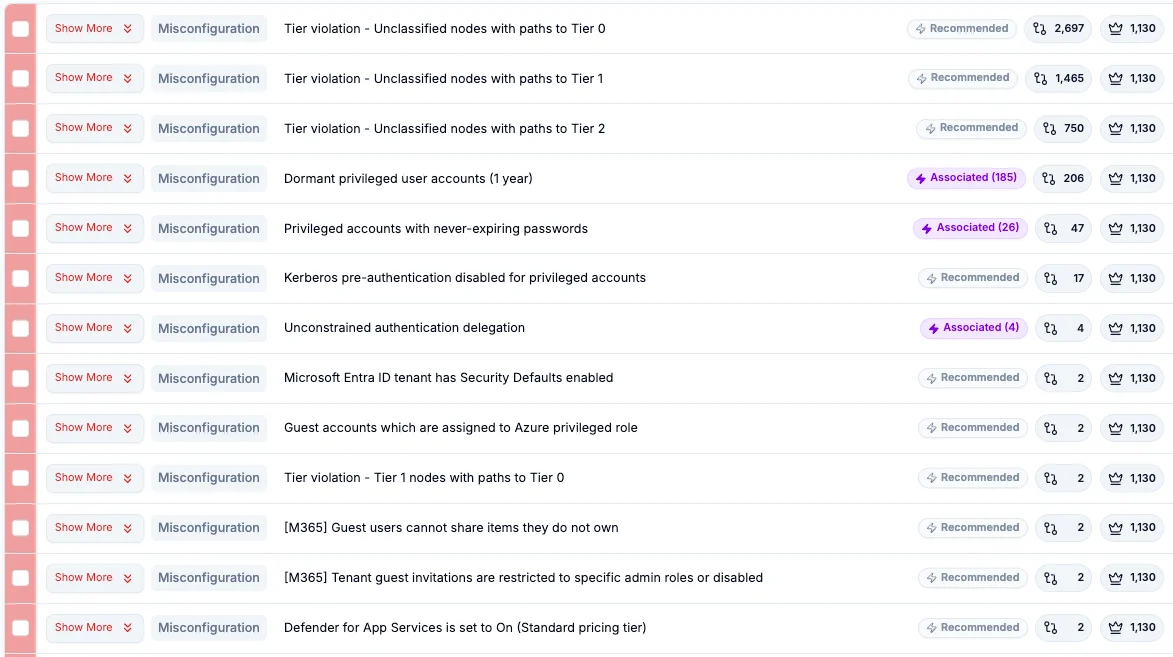
See which findings have recommended workflows, review affected objects and choose where to automate.

Hardening Automation
Saporo turns prioritized findings into guided fixes and automated workflows. Remove attack opportunities before attackers can use them, with approvals and measurable results.
Misconfigurations pile up faster than teams can resolve them. Saporo uses attacker reach and blast radius to prioritize findings, then automates remediation to address current exposures and new matching findings as they appear.
Build unlimited workflows, start with prebuilt templates (100+) and adapt remediation to your environment and processes.
See which findings have recommended workflows, review affected objects and choose where to automate.
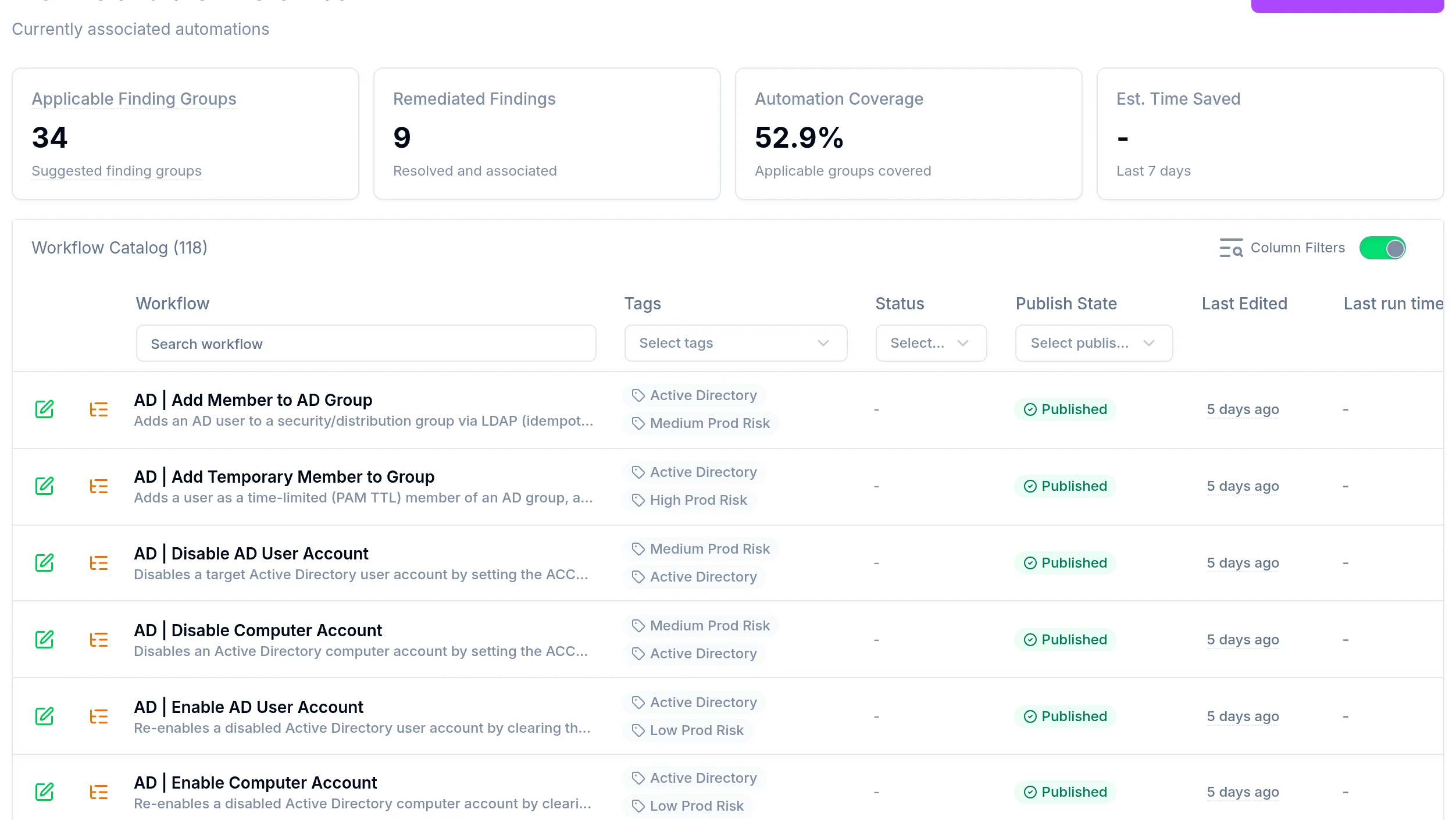
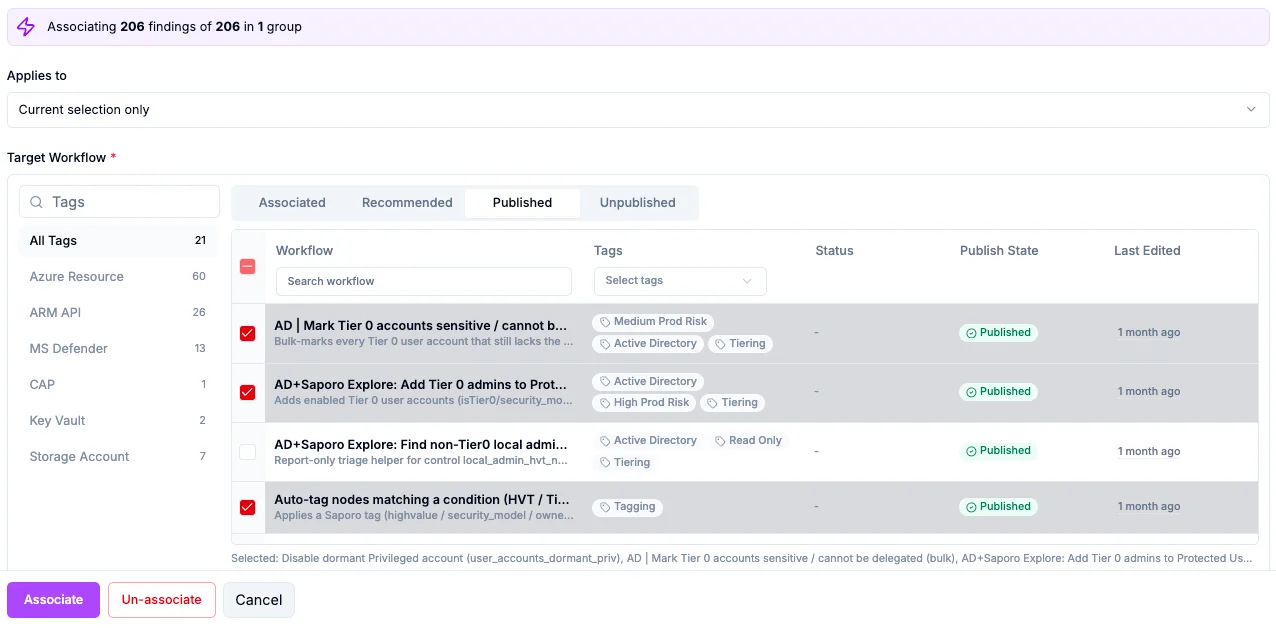
Associate workflows with selected findings, or include future findings to keep addressing the same exposure as it appears.
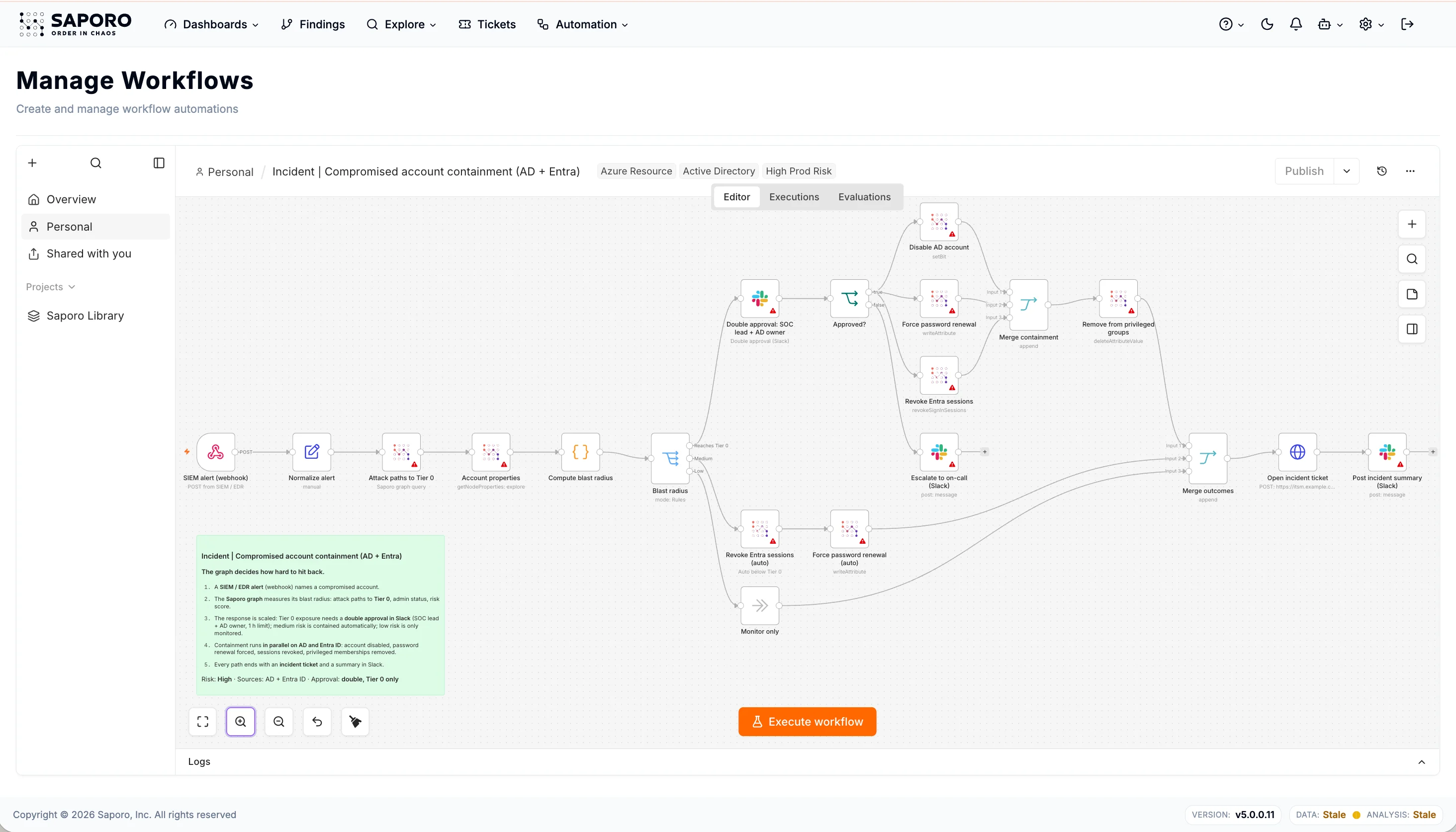
Customize prebuilt workflows with approval steps, conditions and integrations, or build your own.
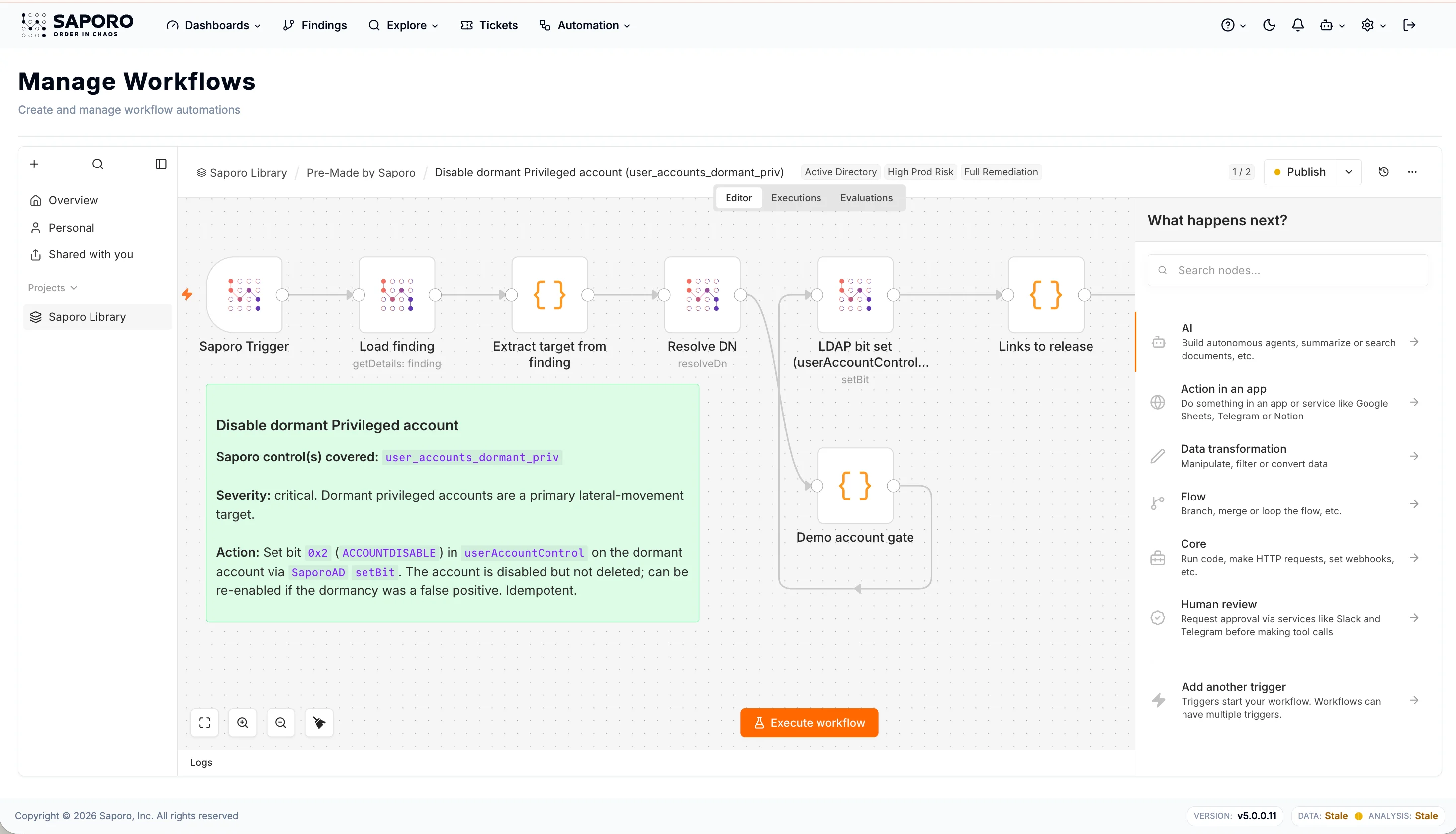
Track remediated findings, automation coverage and estimated time saved in the Remediation Center.

Choose what runs automatically, where approval is required and who can manage workflows.
Hours → minutes
Scale hardening without scaling manual work. Reduce repetitive investigation, coordination and remediation with reusable workflows.
Add approval steps before sensitive actions while routine remediation runs automatically.
Create remediation tickets, coordinate actions and track progress in the tools your team already uses.
Review workflow runs, inspect each step and investigate failures. Reverse supported changes with the matching workflow within your existing change process.
Hardening Automation Q&A
Saporo workflows automate supported changes, such as disabling dormant accounts, updating group memberships, correcting unsafe delegation, and ADCS template changes. The library includes 100+ prebuilt workflows.
Yes. Add approval steps before sensitive actions and decide which changes can run automatically. Requests can reach reviewers through email, Microsoft Teams, Slack or your ITSM workflows.
Yes. Remediation work can be routed to ServiceNow or Jira through n8n workflows or the REST API, so it follows your existing change process.
Saporo connects misconfigurations, permissions and attack paths to show how far an attacker could spread. Prioritize the changes that reduce blast radius and protect critical assets.
Saporo reassesses findings in subsequent analyses to confirm resolution. Dashboards track exposure reduction, while the Remediation Center shows remediated findings, automation coverage and estimated time saved.