
WINDOWS LOCAL EXPOSURE

Reduce identity exposure on Windows

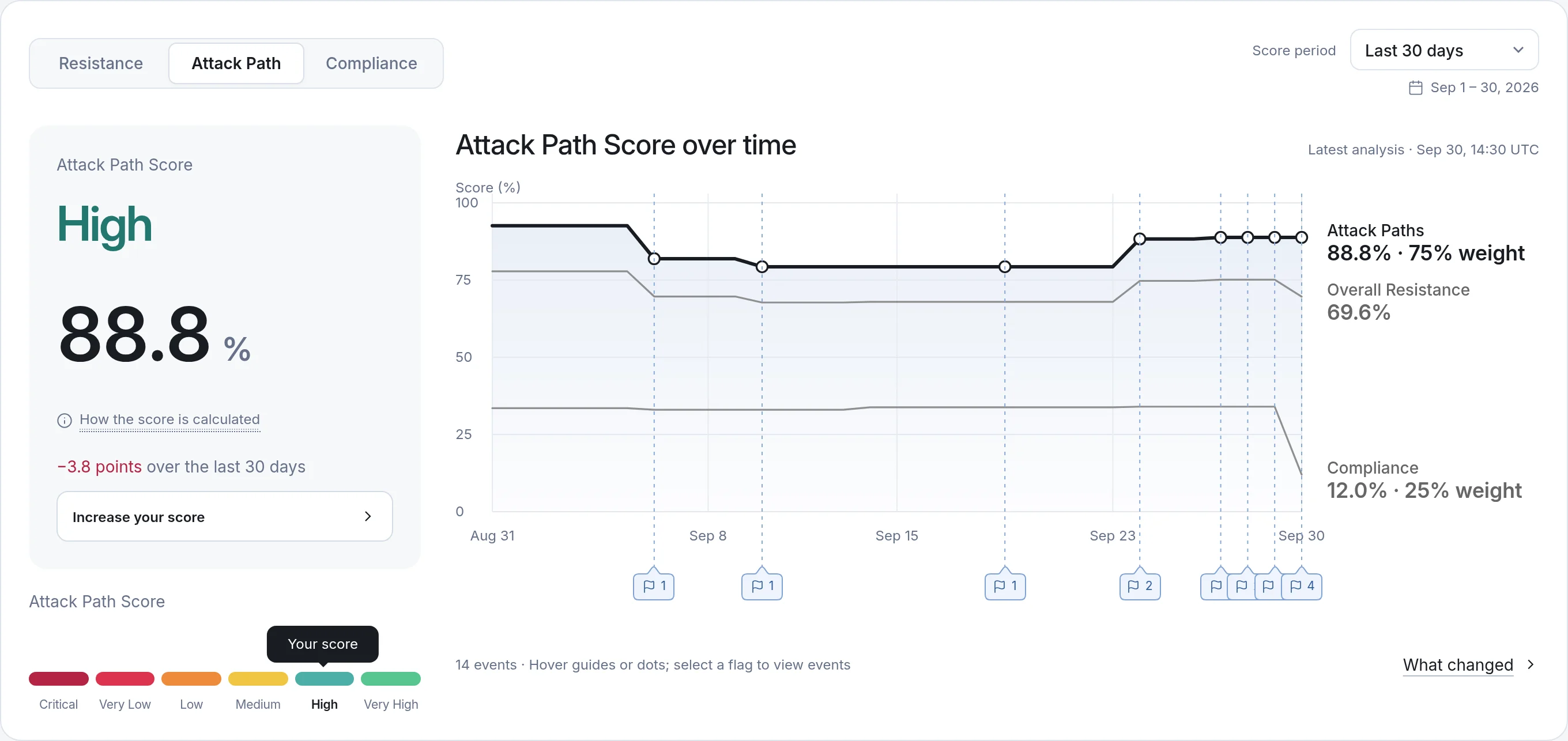
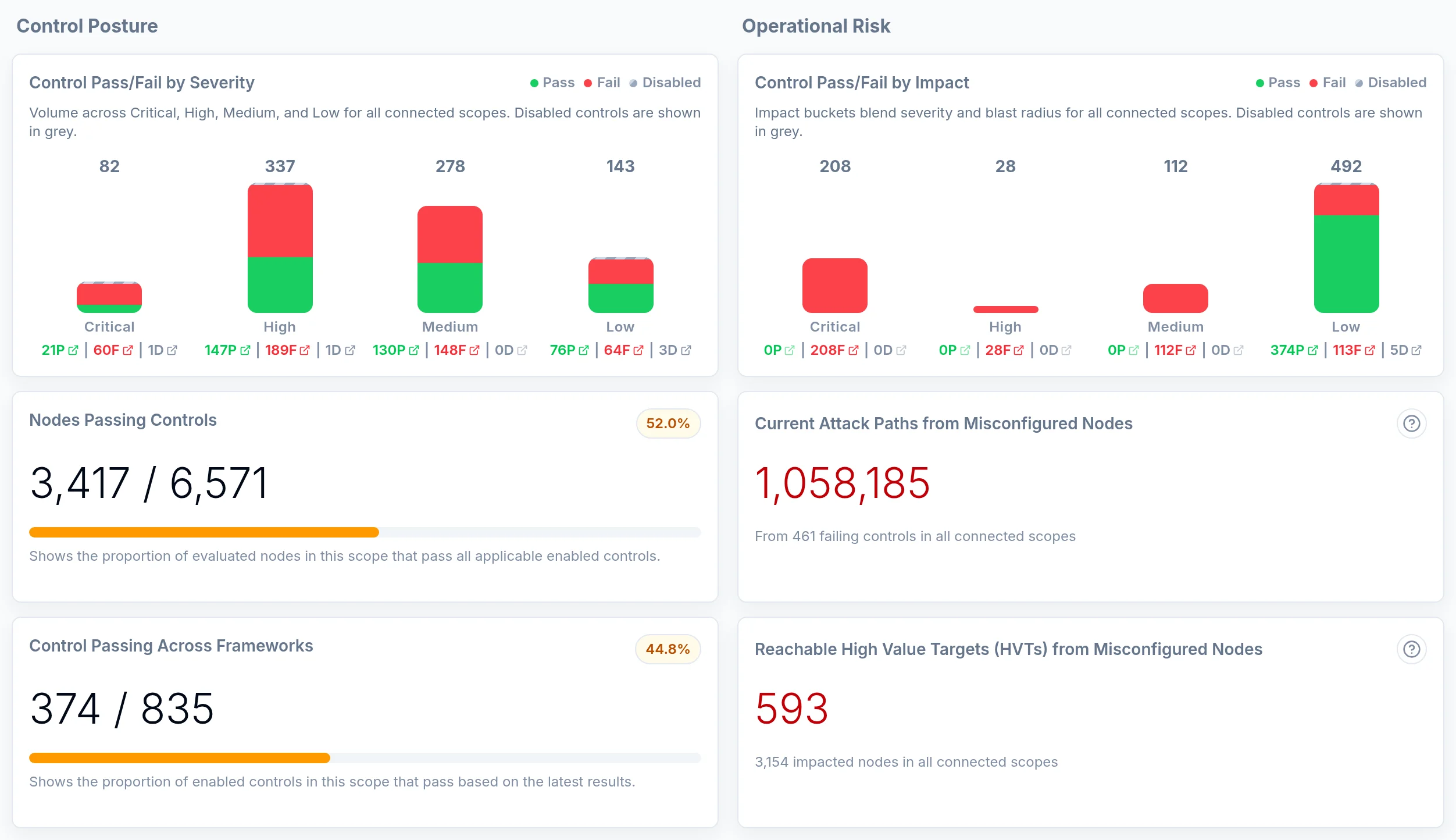
Local admin rights, privileged sessions, and weak Windows settings can create attack opportunities across your environment.

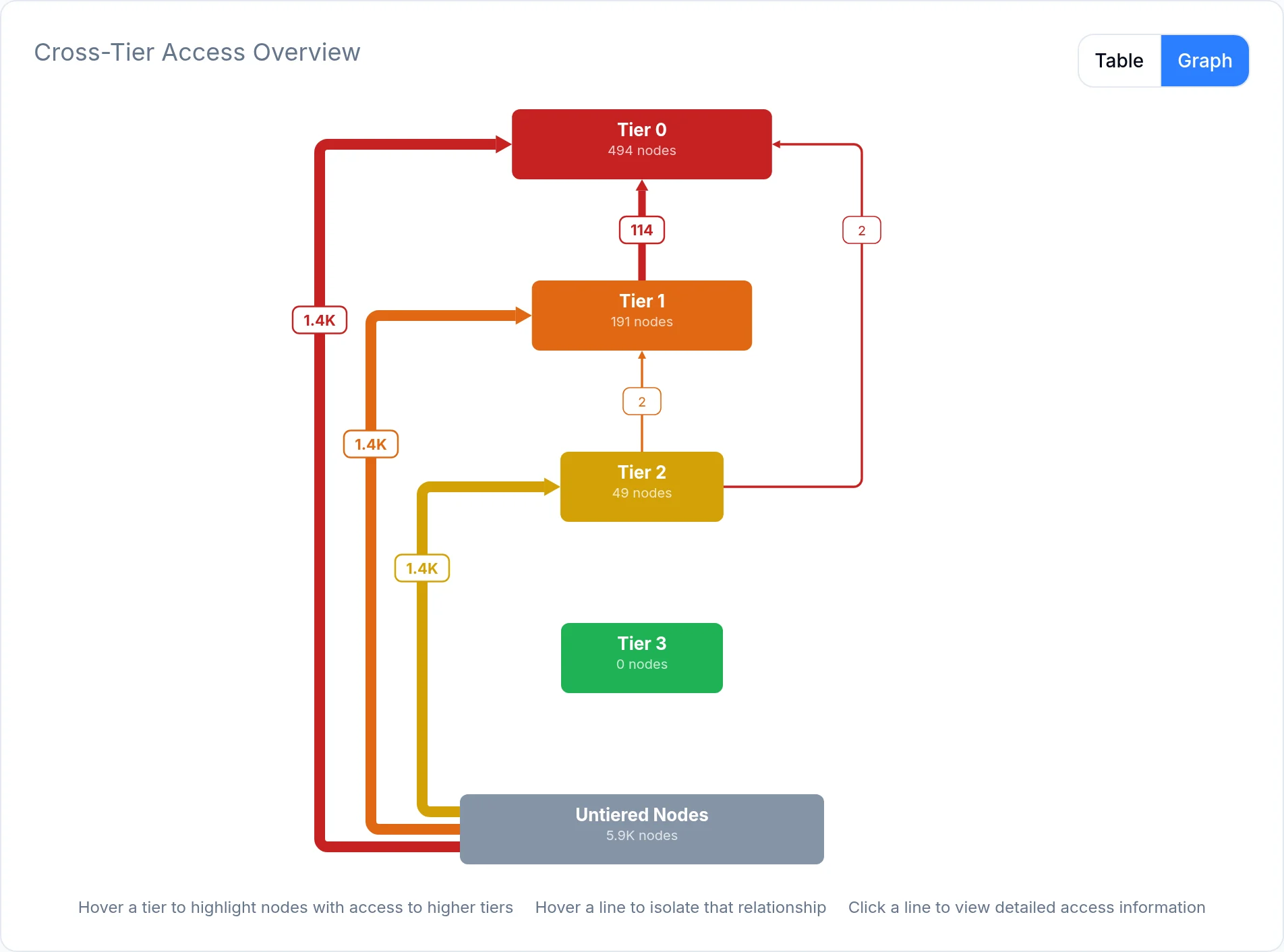
Saporo connects local accounts, access rights, and security configurations with Active Directory to reveal how attackers could move between systems and prioritize hardening that protects Tier 0 and other critical assets.

Windows Local
  • Local users
  • Local groups
  • Local admins
  • Privileges
  • Computers
  • Domain links

29 minutes: the average eCrime breakout time in 2025, the time attackers take to start moving laterally after compromising the first machine.

Source: CrowdStrike 2026 Global Threat Report

WINDOWS LOCAL Q&A

Understand local exposure

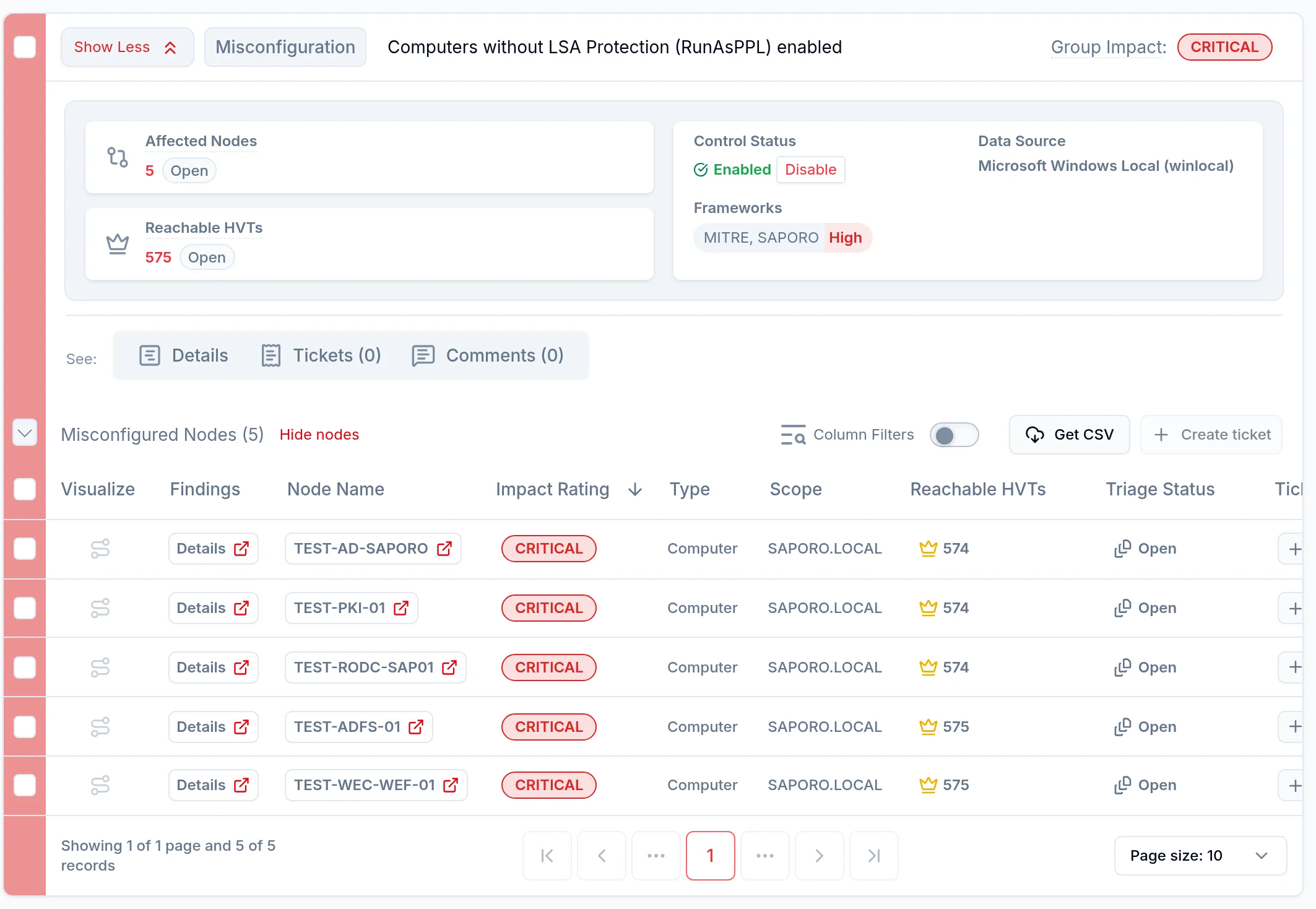
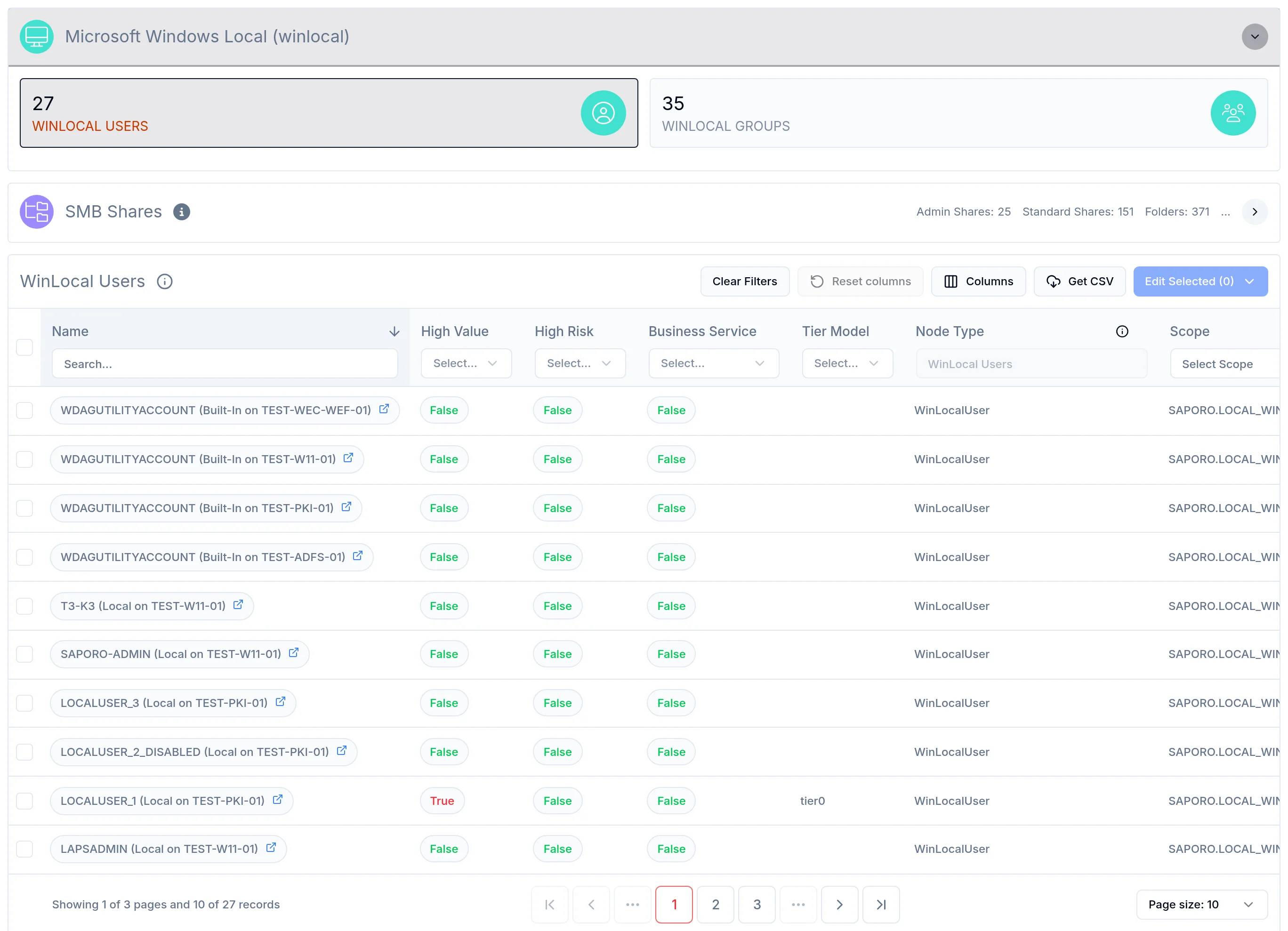
Saporo connects Windows local users, groups, administrators, and memberships to directory identities, and records each host’s user rights assignments when it has local administrative rights. These relationships can be evaluated alongside Active Directory and other connected identity sources.

Yes. Saporo collects data remotely without installing an agent on each Windows host. Collection requires network connectivity and an account with appropriate permissions. Some checks require local administrative rights; the access granted determines which data Saporo can collect and analyze.

Yes. By default, Saporo analyzes the Windows servers discovered through Active Directory. You can add workstations or narrow the targets with a custom LDAP scope. Coverage depends on enabled checks, connectivity, and collection permissions.

A directory identity can receive access through membership in a local group. Reviewing local and directory relationships together helps your team see how that access extends to a computer and into the wider identity graph.

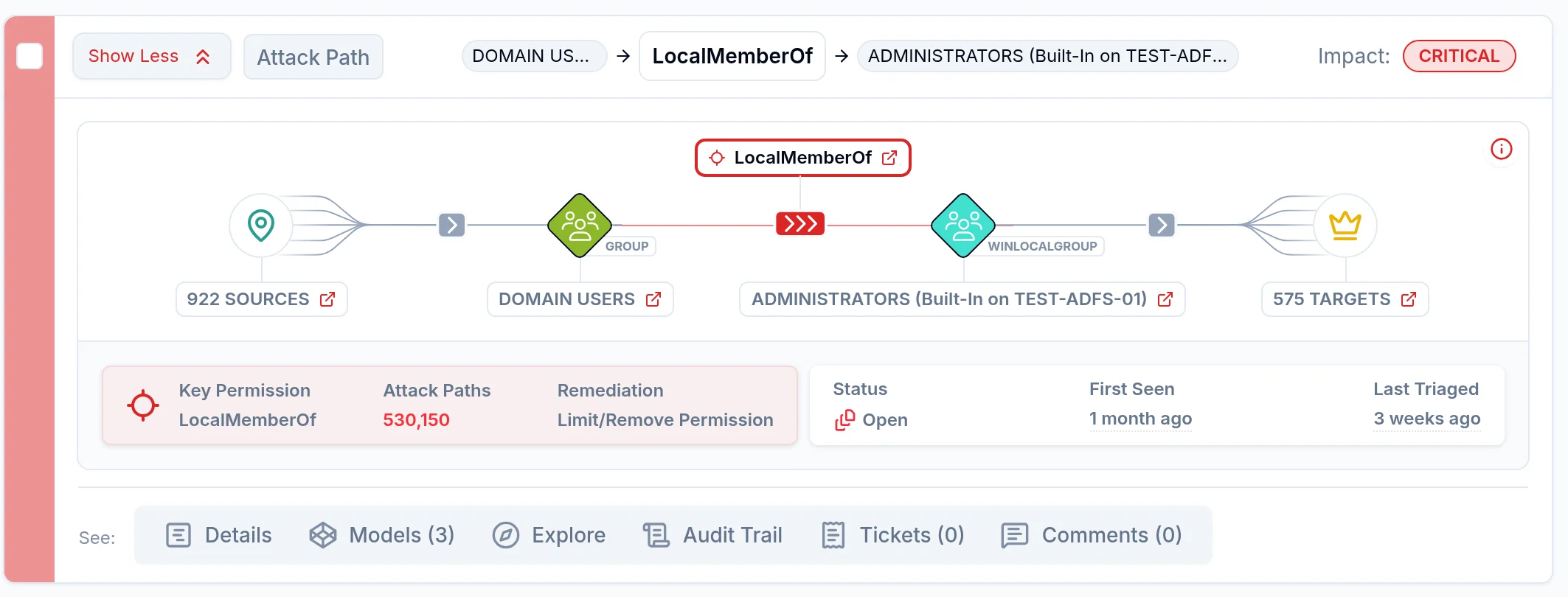
Local administrative rights and group memberships can give an attacker control of a system and access to credentials or resources. Saporo places those relationships in the wider path toward other systems or a High Value Target.

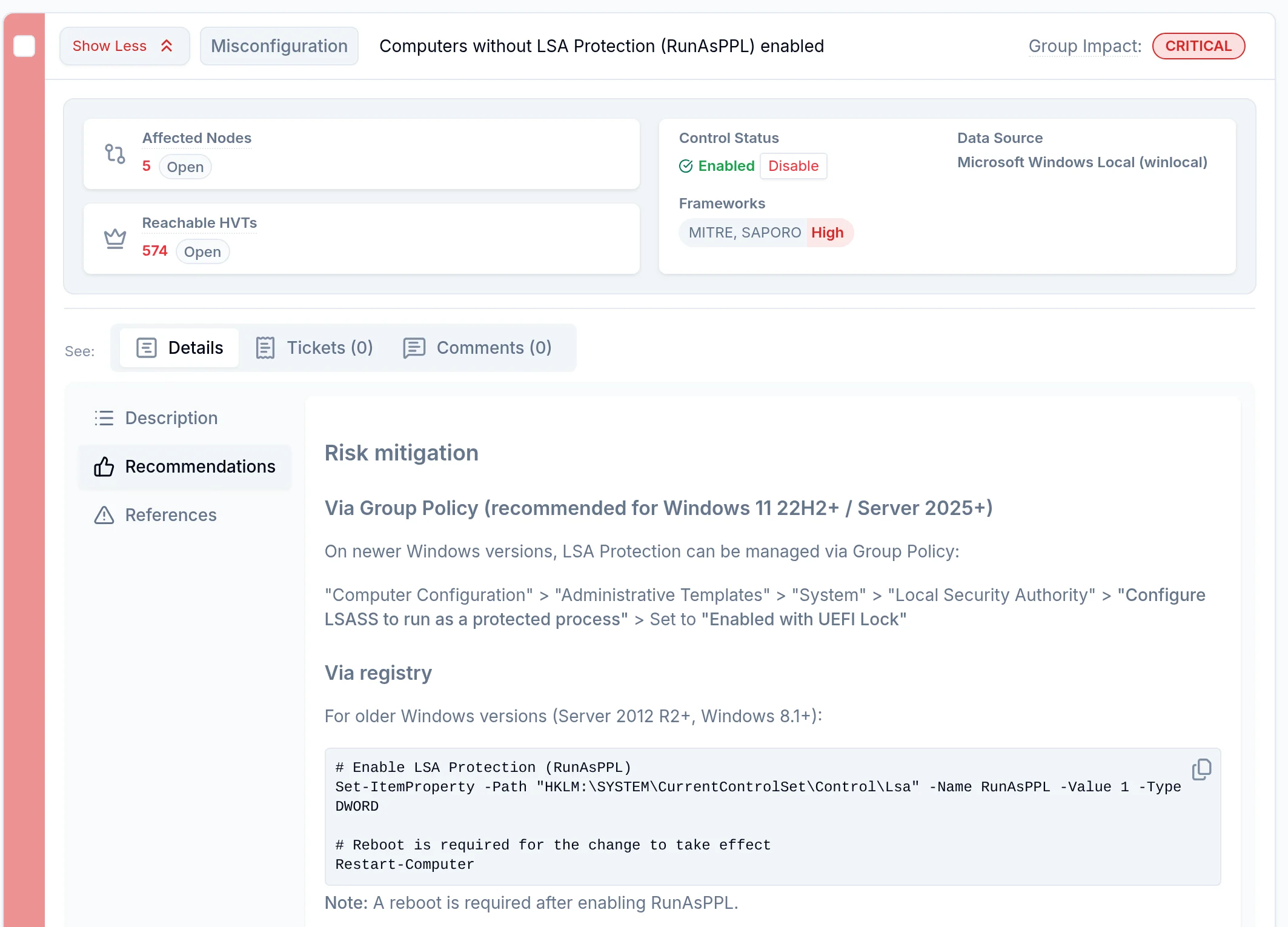
Saporo uses attack-path context to identify membership and privilege-assignment changes that can break attack and access paths toward critical systems. Your team can review the affected relationships before changing access.

Windows Local focuses on accounts, group memberships, and privileges on computers. SMB Shares focuses on shared resources, NTFS permissions, ownership, and inheritance. Connected together, they preserve the wider identity context.

Reduce identity exposure before it becomes an attack

Book a demo