SMB SHARES EXPOSURE

Reduce SMB share exposure

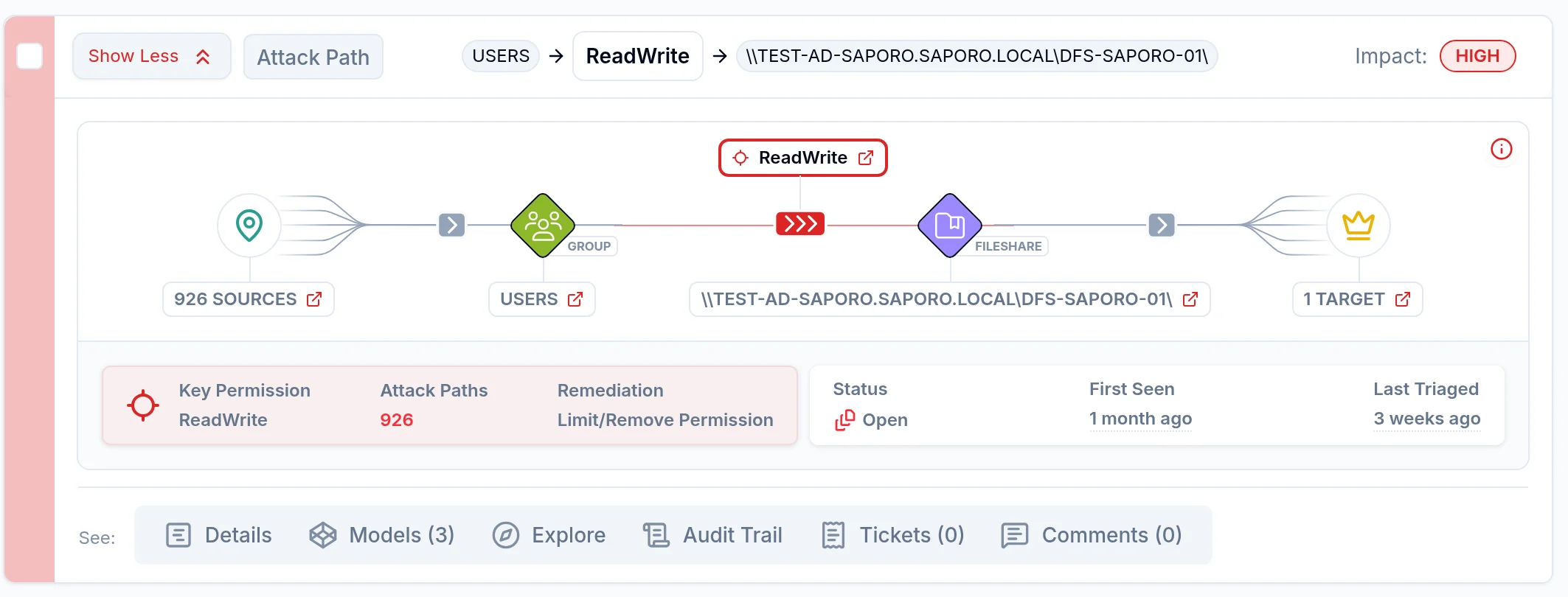
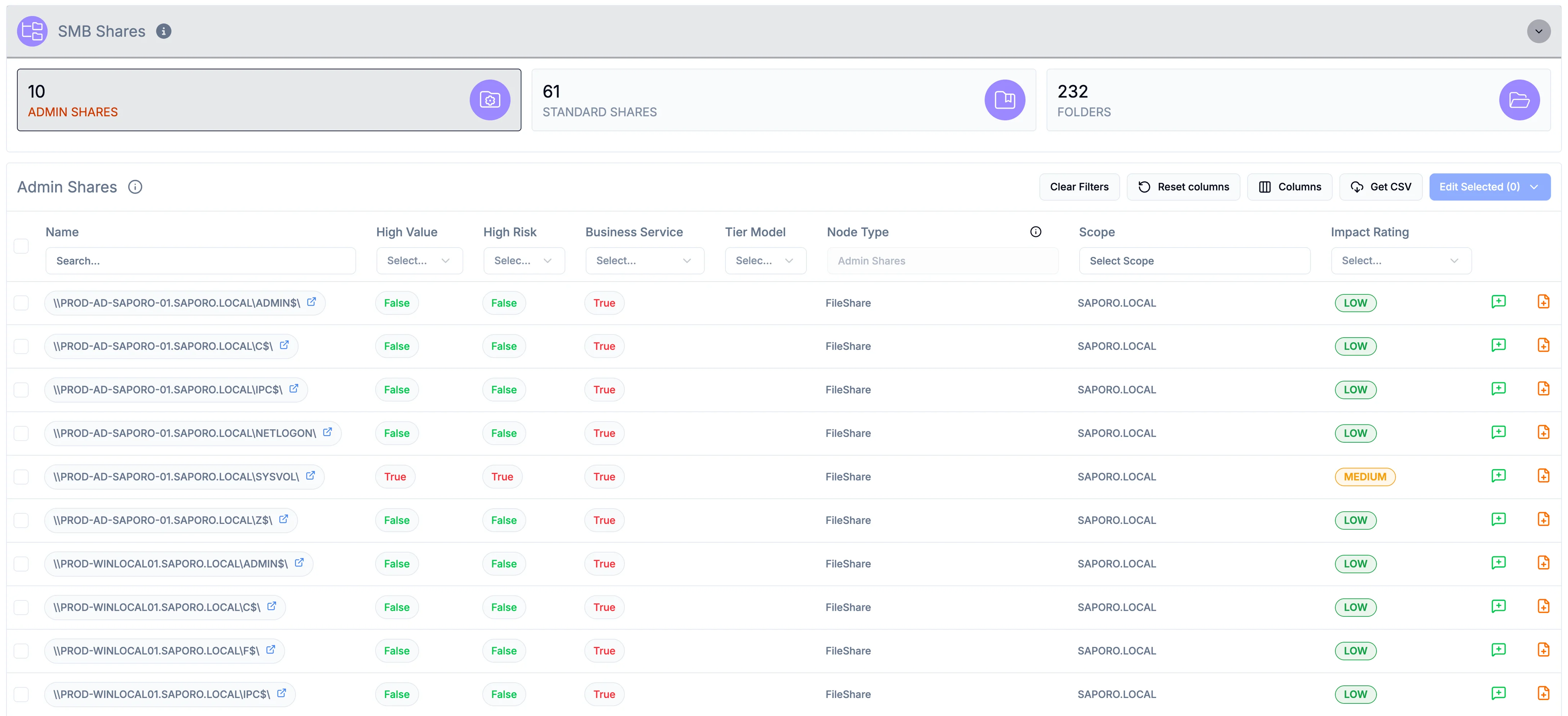
Saporo connects SMB shares and their NTFS permissions to directory identities and attack paths.

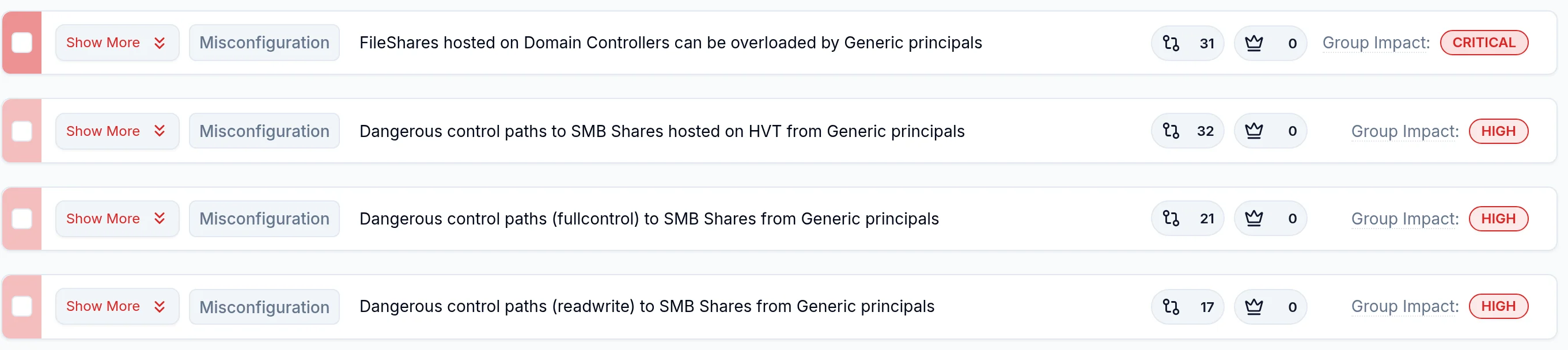
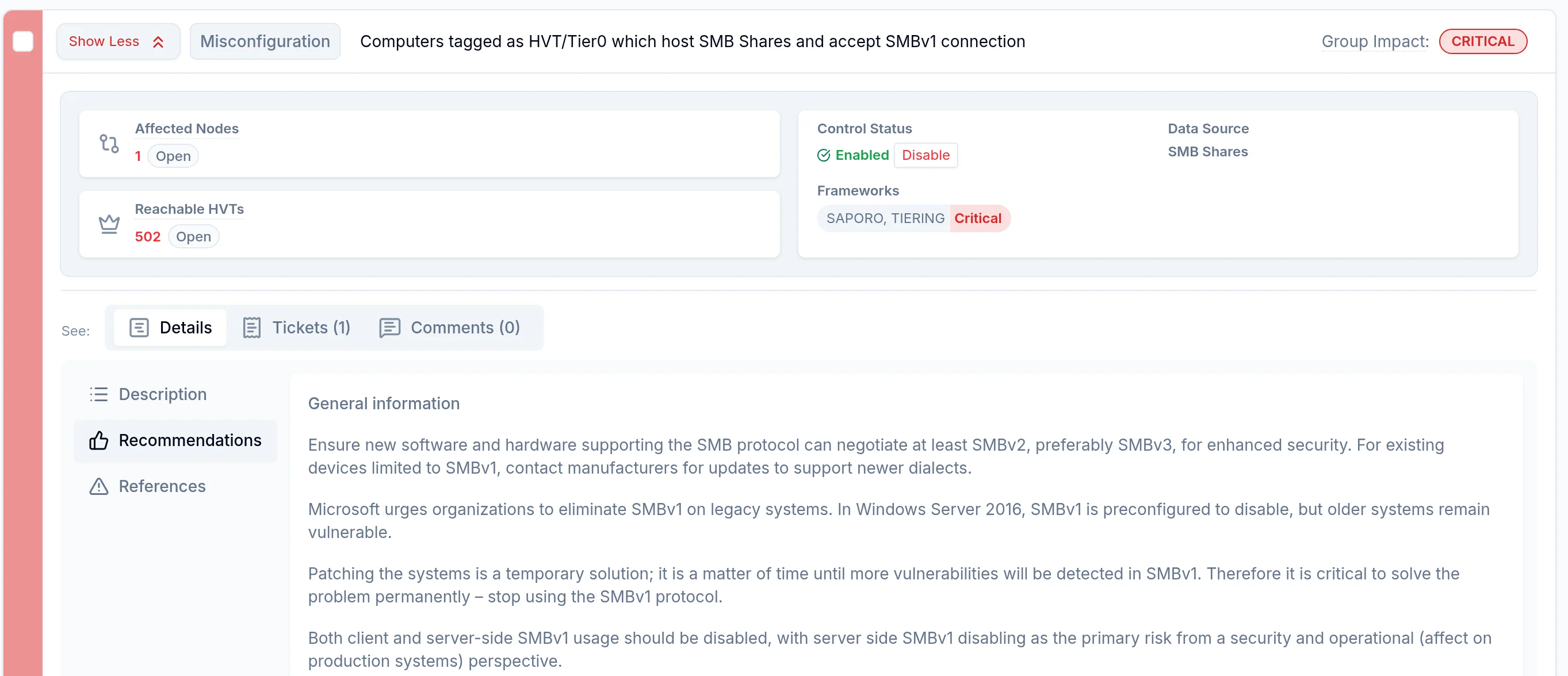
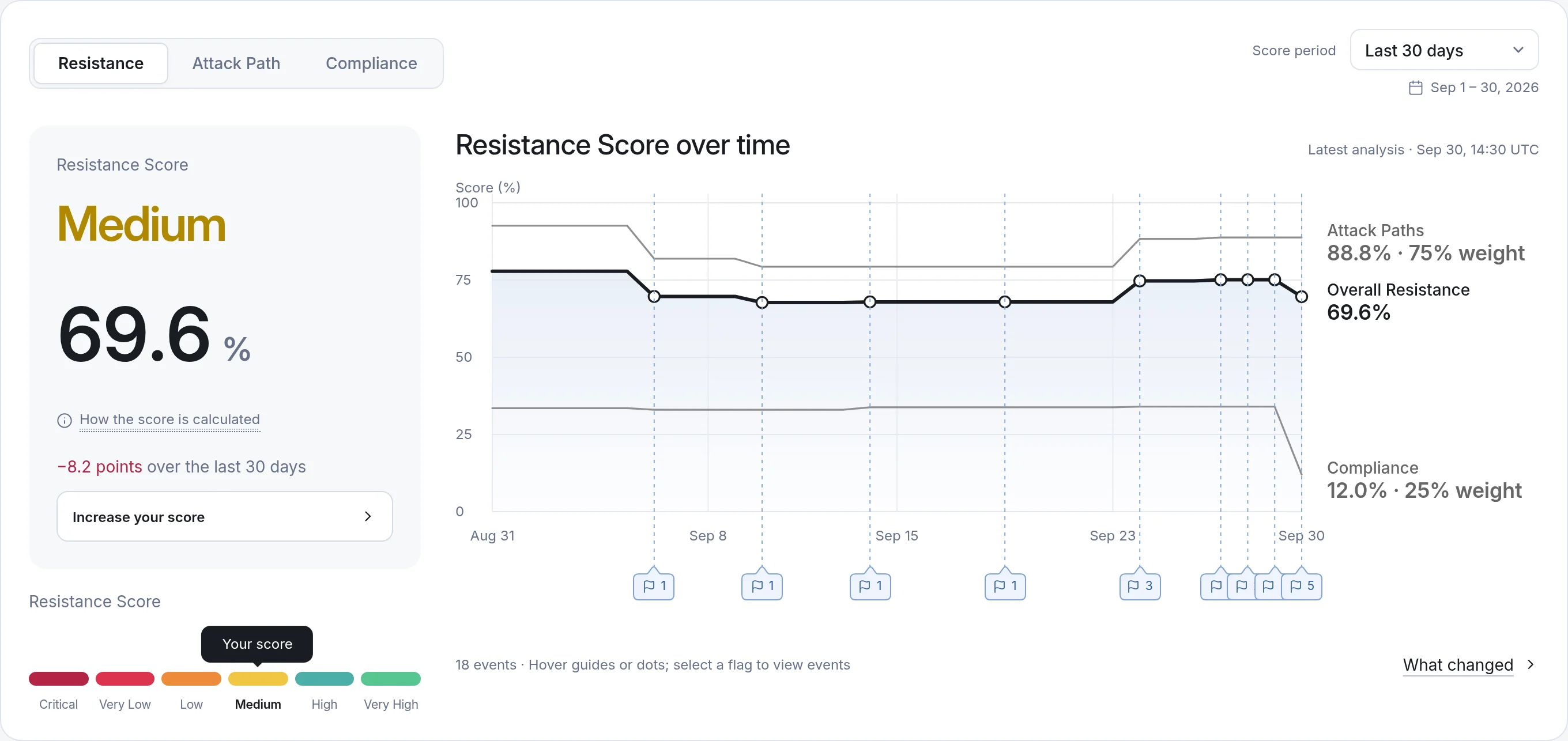
Identify broad access, risky ownership, SMBv1, and unenforced SMB signing, then prioritize the changes that reduce exposure to shared resources and critical assets.

SMB Shares
  • Shares
  • Folders
  • Permissions
  • Ownership
  • Inheritance
  • Users & groups

Insufficient access controls on network shares and services are one of the 10 most common misconfigurations NSA and CISA find in large organizations.

Source: NSA and CISA joint advisory AA23-278A, Top Ten Cybersecurity Misconfigurations

SMB SHARES Q&A

Understand share exposure

Saporo uses agentless, authenticated collection to discover SMB shares and analyze NTFS permissions, share ownership, and SMB protocol settings such as SMBv1 and SMB signing. Shares are linked to their hosting computers and directory identities. Folder coverage depends on the configured folder scan depth (by default, share roots only) and the collection account’s access.

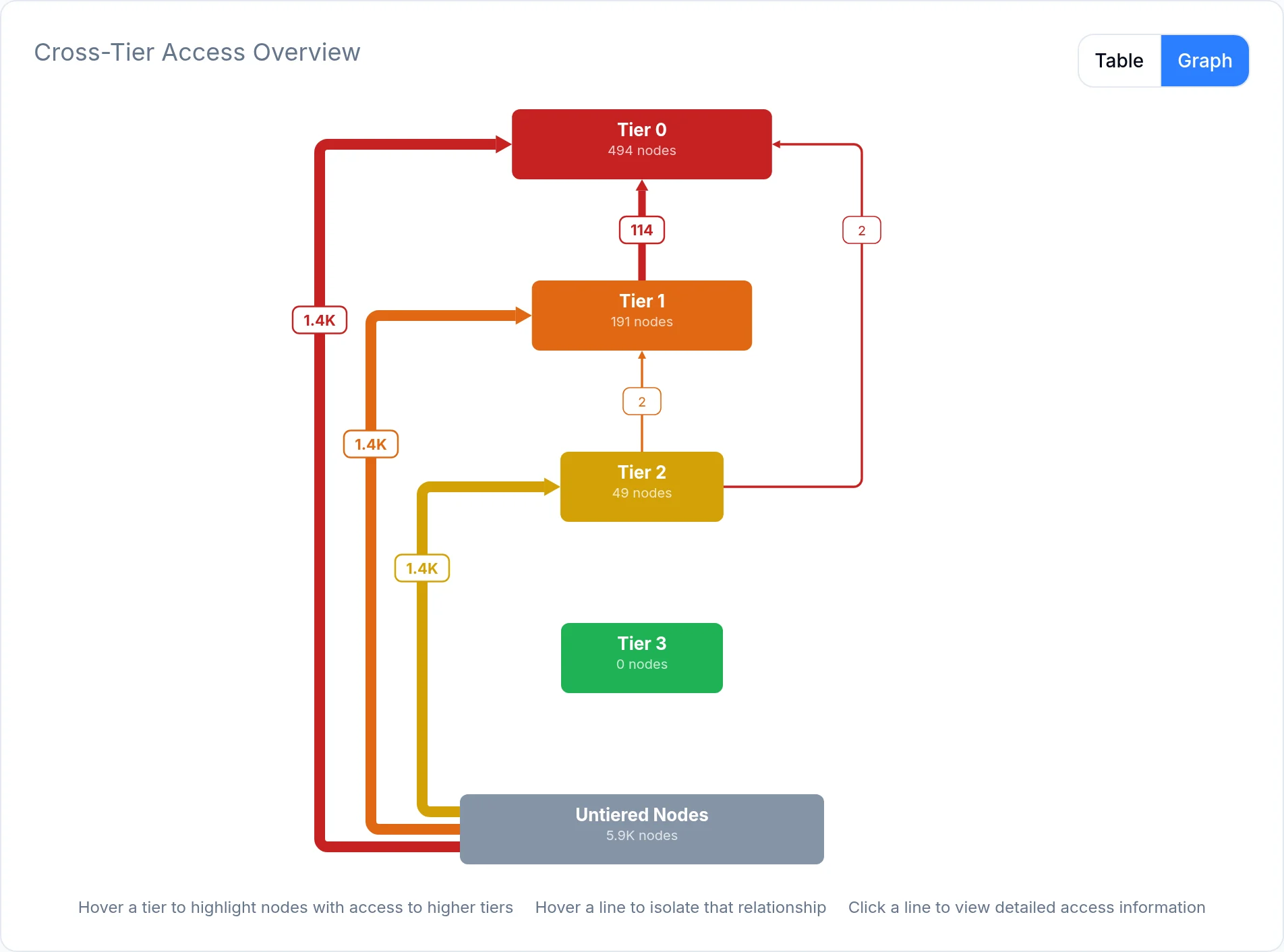
Users can receive access through group membership and inherited permissions. Connecting shared resources to directory relationships helps your team understand which identities can reach data and why.

Saporo’s SMB analysis focuses on permissions, ownership, and configuration metadata. It does not scan file contents to identify credentials or classify sensitive documents.

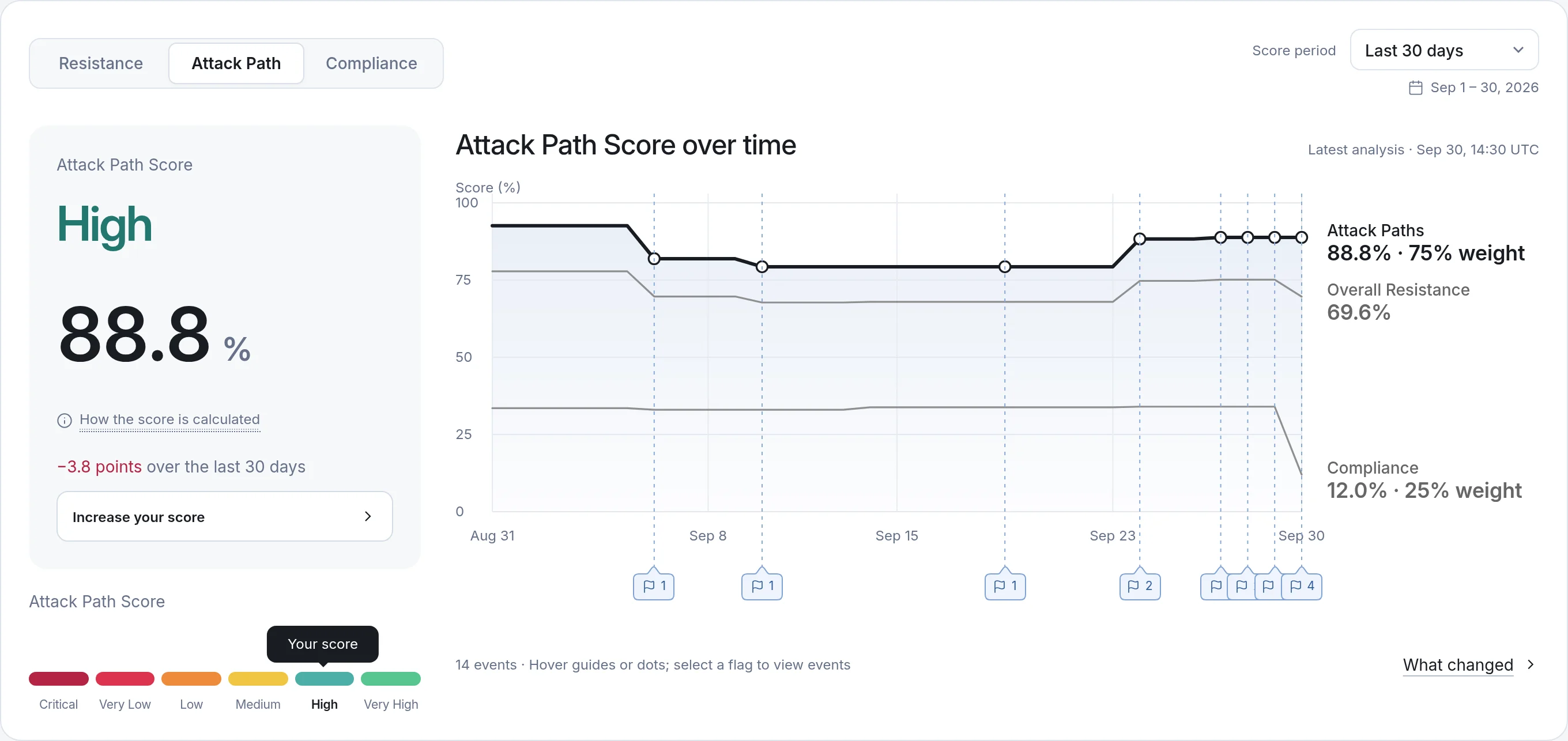
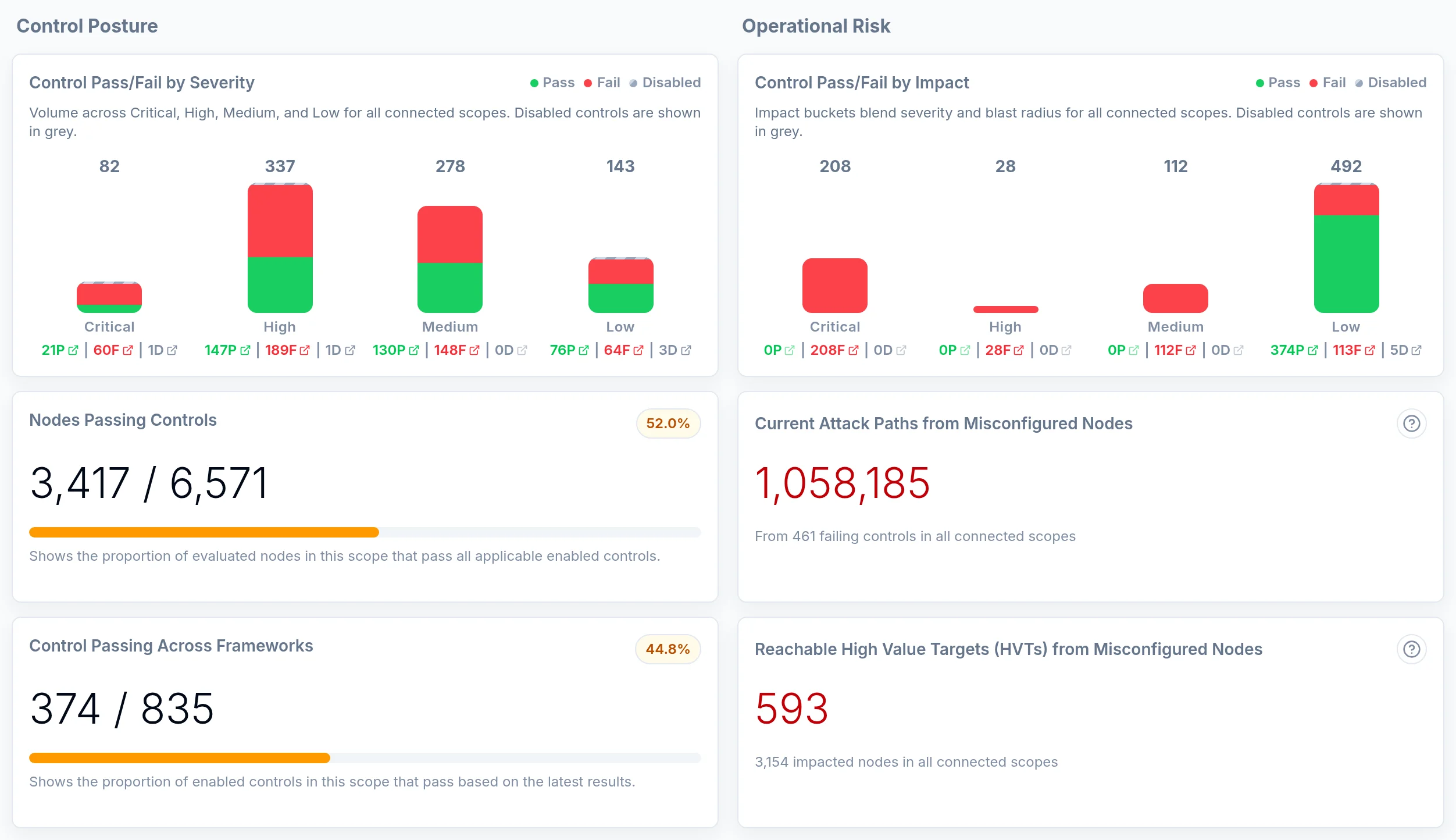
Saporo uses attack-path context, reachability, and impact on High Value Targets to prioritize SMB findings. This helps teams review share permissions and ownership in the context of their wider identity environment.

SMB Shares focuses on access to shared resources and the permissions behind it. Windows Local focuses on accounts, local group memberships, administrators, and privilege assignments on computers. Both can be analyzed with connected directory relationships.

Reduce identity exposure before it becomes an attack

Book a demo